01
It finds the game
Search all your added sources from one place.
New · Ludus 1.8 · One year of Ludus
Ludus is a free game launcher for Windows and Linux. Discover games, organise your library, play with the community and keep your downloads and saves together.
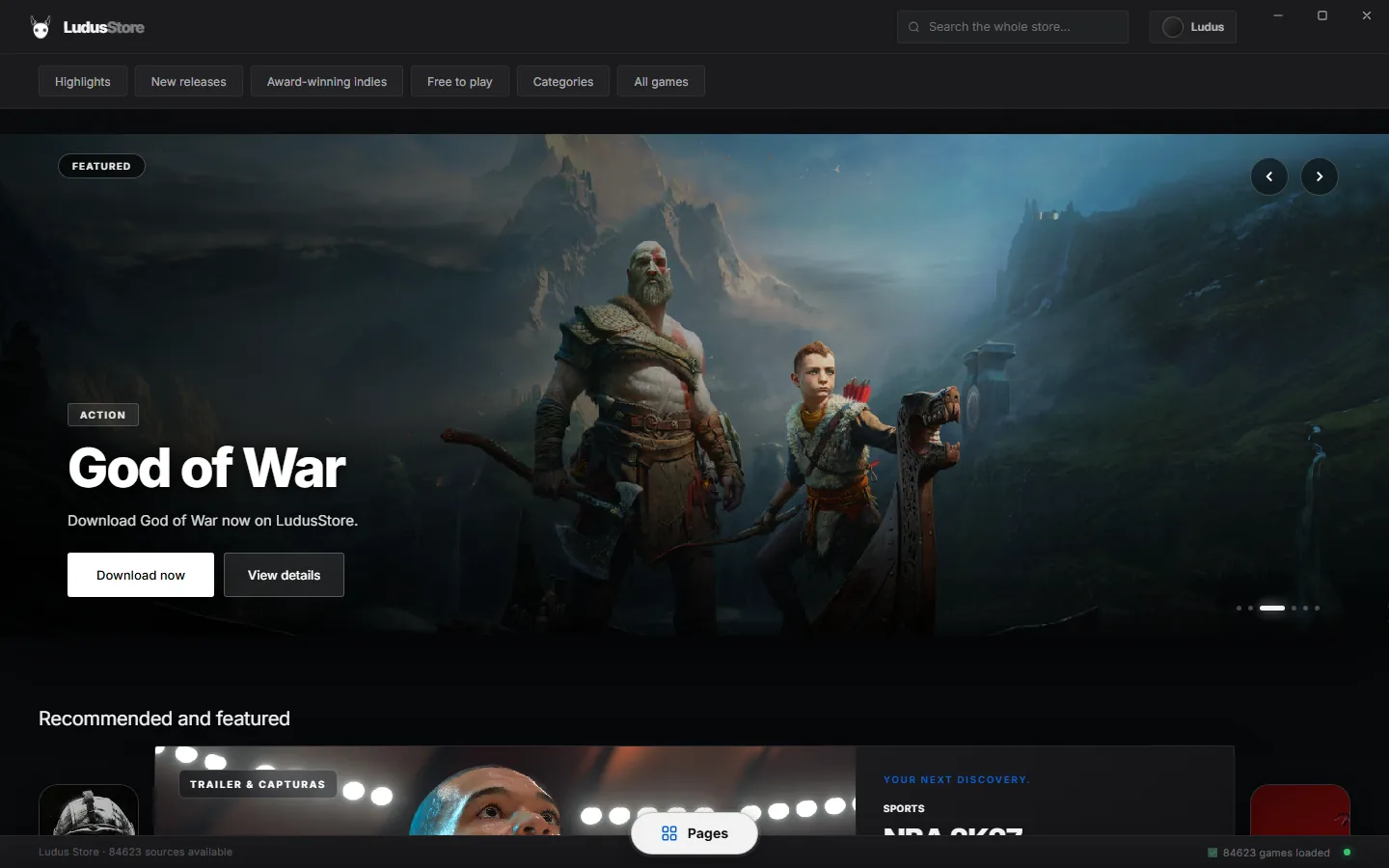
01 / THE LAUNCHERVersion 1.8 ↗
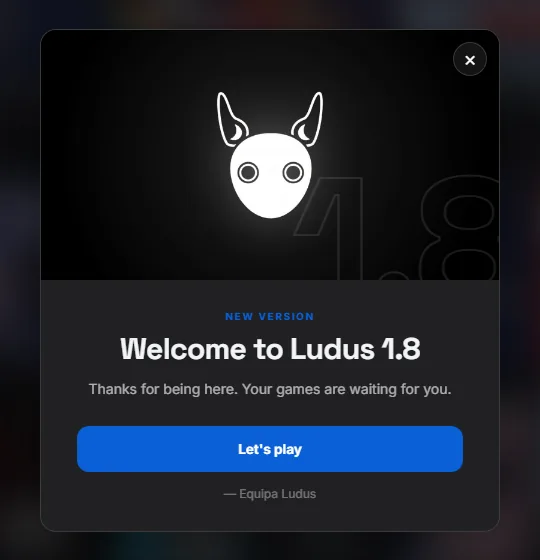
A year since the first beta, on 25 October 2025. Thank you for playing with us — we're celebrating with the biggest update yet.
A community inside the launcher, Ludus Points to spend in a new profile store, a redesigned theme creator, installable extensions and faster downloads — with a new look and a new intro.
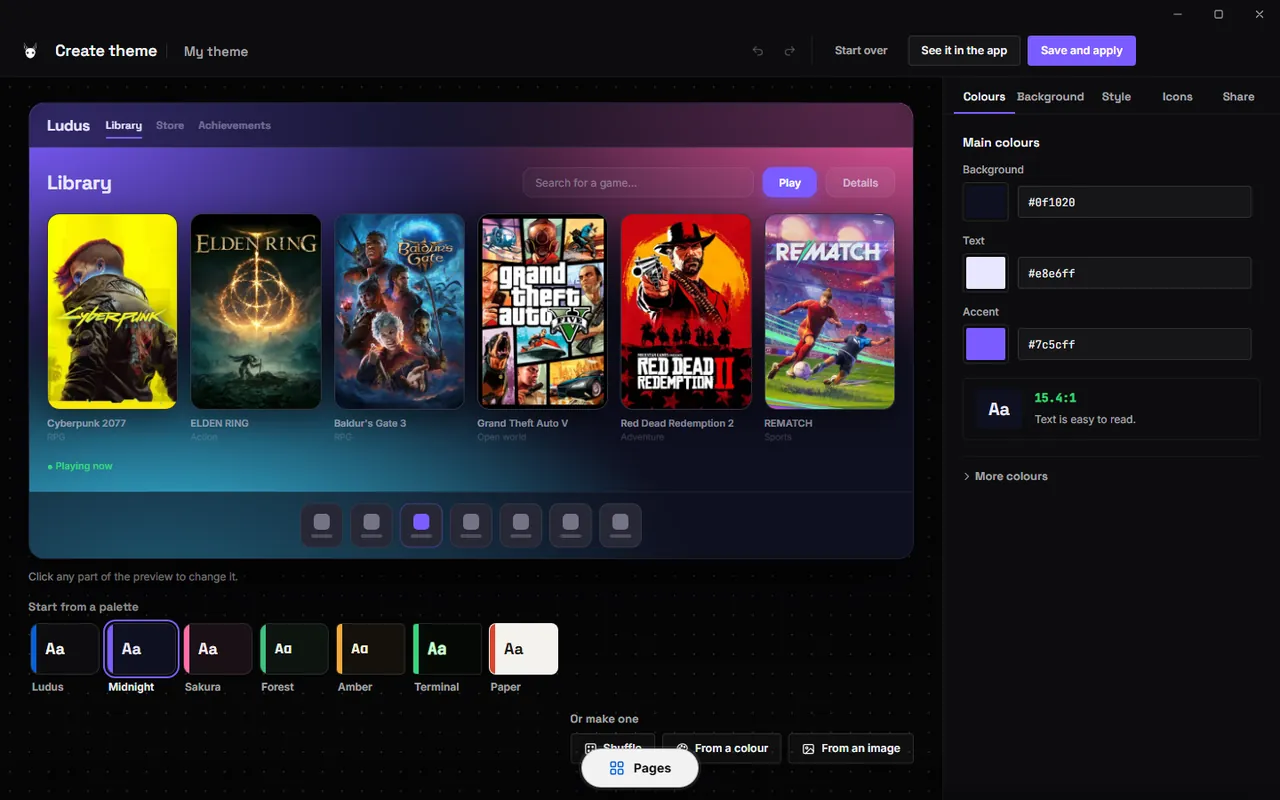
A feed of posts and reviews, player rankings and search. Review games and sources, and show what you're playing right now.
Earn points by playing, finishing downloads, completing games and posting in the community. Your balance sits at the top of every page.
80 new items: photos, animated loops, light effects, 27 animated frames and glowing titles. What you buy stays on your account, on any device.
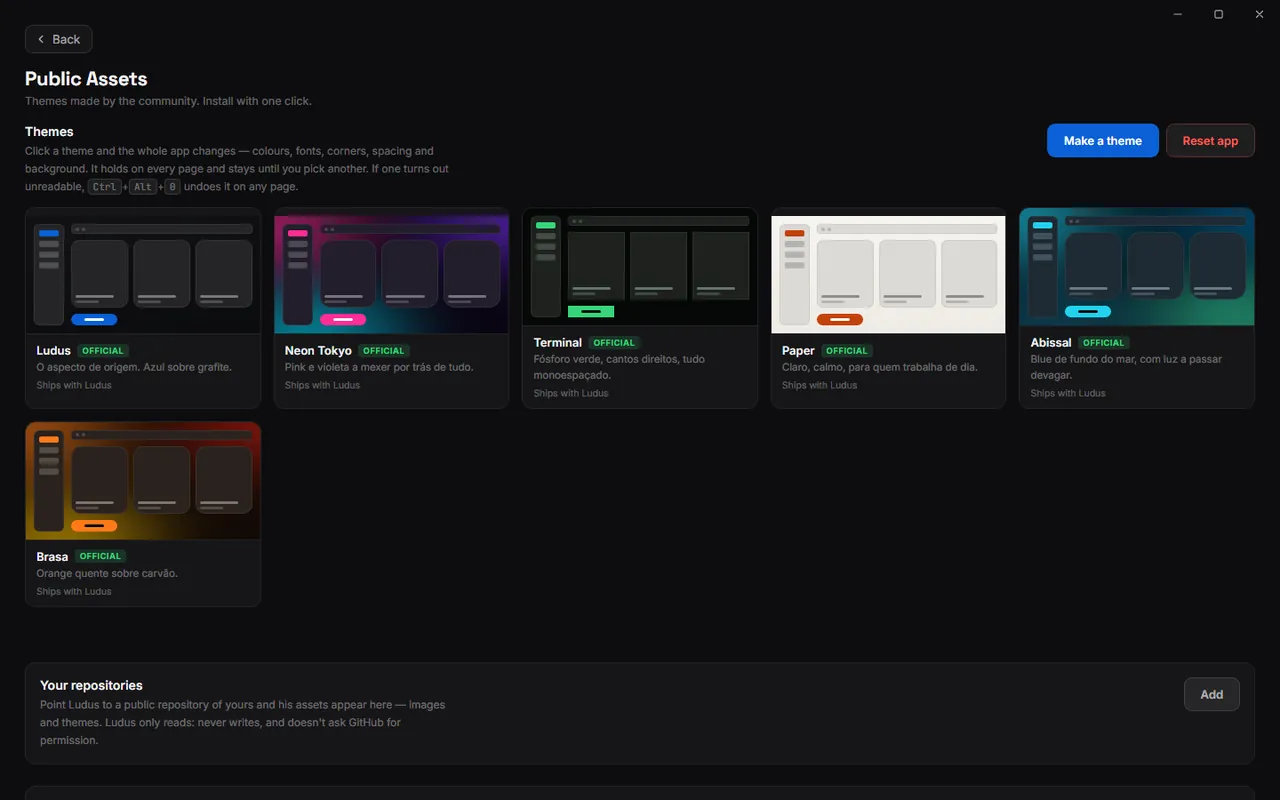
A large live preview, tabs for colours, background, style and icons, random palettes and alert colours you can preview. Themes now paint the whole page.
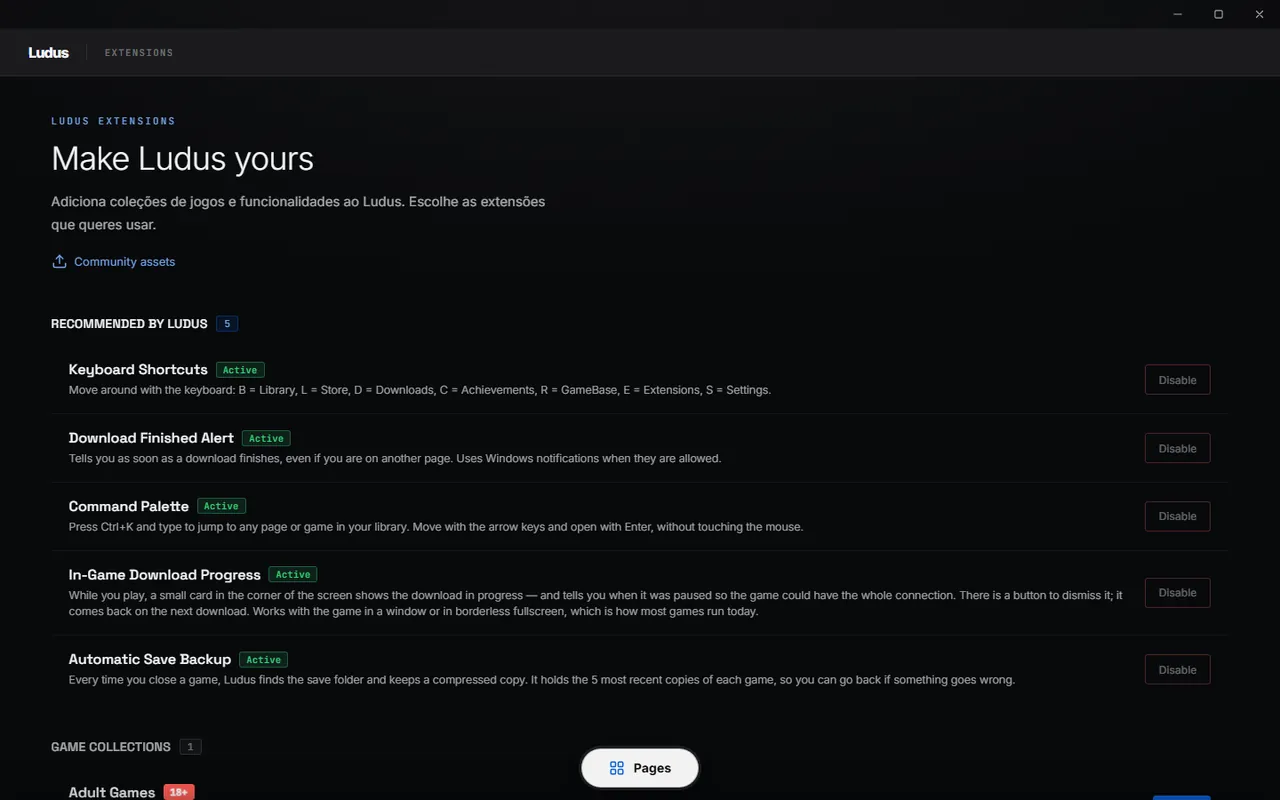
FPS overlay, custom keyboard shortcuts, a command palette, download-finished alerts, in-game download progress and automatic save backups.
Torrents run in their own engine process, files are allocated sparsely, aria2 looks for new peers when speed drops, and a new “Ready to play” engine installs the game when it finishes.
Steam folder detection, automatic sync and manifests that apply without restarting Steam.
Sign in with Discord or continue as a guest. The installed app is more locked down, and accent colours can now follow your theme.
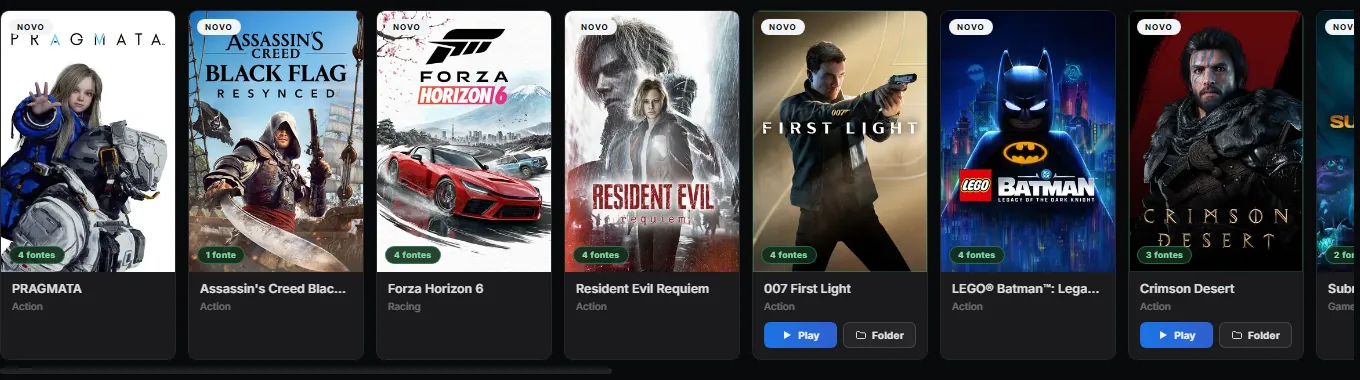
AAA, indie and retro. Search a title and Ludus looks through every source you've added at once.
Search for a game, choose a download and follow its progress in the app.
Search all your added sources from one place.
libtorrent for swarms, aria2 for direct links, or “Ready to play” to download and install in one go. Interrupted downloads resume.
Keep track of the files being downloaded and installed, including supported DLCs and manifests — even from inside a game.
With cloud saves or the save backup extension, Ludus keeps copies of supported games when you close them.

Download the installer and follow the steps. You can start browsing as a guest. Already on 1.7? Ludus offers the update by itself.
New installations start with default settings and no saved accounts. Check installer SHA-256 hashes.
Yes. Ludus is free to use. There are no paid plans or subscriptions. Ludus Points are earned in the app and can't be bought.
On Windows, Ludus checks for new versions by itself and offers the update. You can also download the 1.8 installer on this page and install it over your current version. Your accounts and library are kept.
Ludus has a separate open-source demo with basic local features and code examples. The full launcher and its online services use private code.
Yes. Linux x64 ships as an AppImage and a .deb package. The Linux build requires glibc 2.39 or newer, such as Ubuntu 24.04+, Debian 13+ or Linux Mint 22+. Windows 10 and 11 are supported.
The installer is not digitally signed. Windows may ask you to check the publisher before opening it. Download from this page and compare the file with the published SHA-256 hashes.
A shortcut to official Ludus material: the public GitHub repository, or Ludus Archive, a Discord server that shares official Ludus files for developers. Ludus Archive is not the official community server — for help, use the official Discord.
Yes. Choose a theme, create your own in the theme creator, install extensions or decorate your profile with items from the profile store. The app is available in English and Portuguese.
Open Sources in the app, follow the link to the source directory, then paste a JSON link into Ludus and click Add.
Open a ticket on the official Discord server for help with Ludus.

Join us on Discord to ask for help, report a problem or share an idea for the next release. Prefer email? Write to luduslauncher@gmail.com.